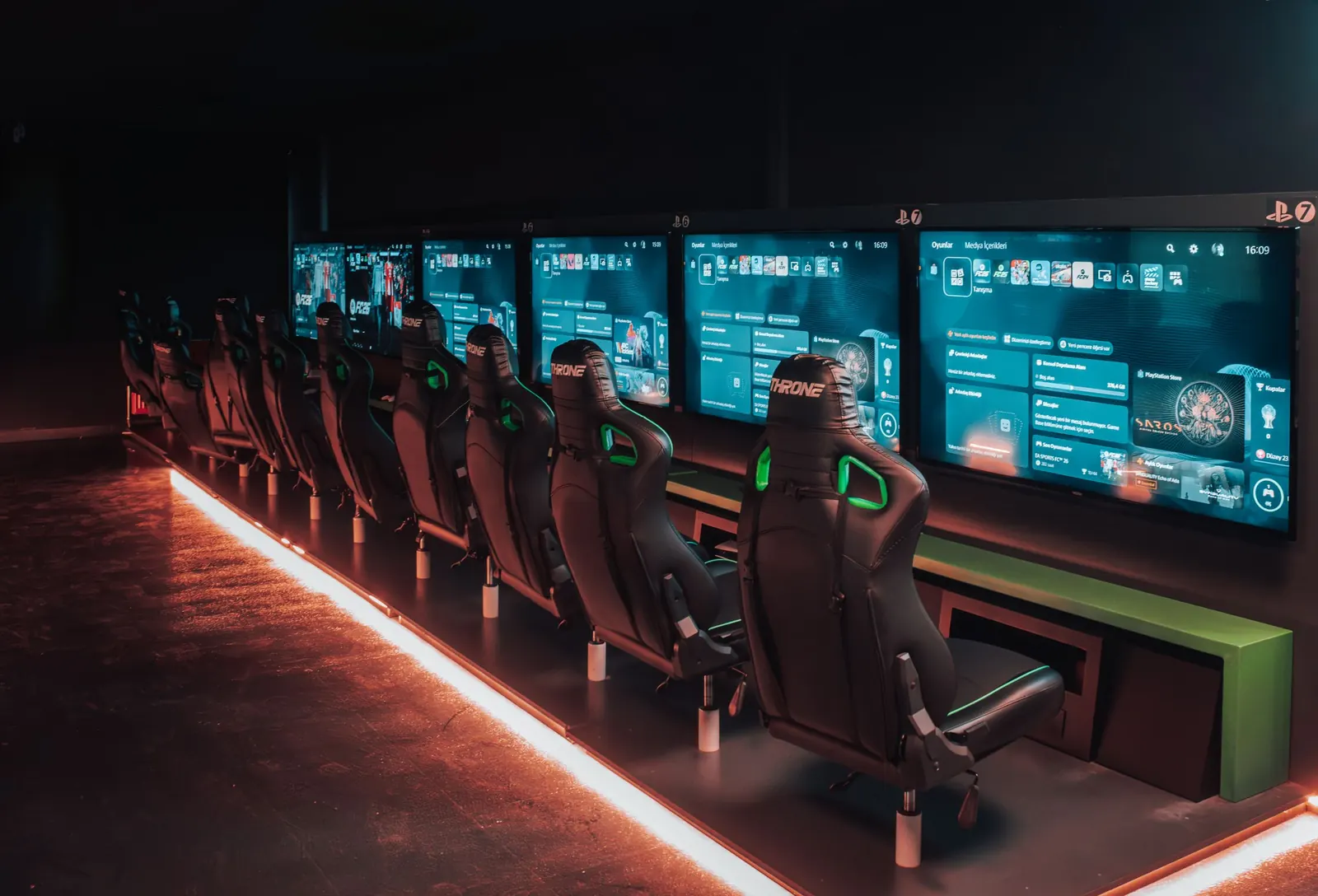
Run your gaming centre from one counter.
Netcraft Plus times every PC session, bills it, locks the PC when the time is up and keeps every sale in one daily report. For gaming centres, internet cafés and sim-racing lounges.
- 20+
- years in gaming centres
- ~60
- centres with a registered licence
- 350+
- PCs in our largest centre
- 7
- countries across the region
Centres in the UAE, Saudi Arabia, Oman, Bahrain, Qatar, Jordan and Syria.
Everything the counter needs
One program on the server for the cashier and the owner. A small program on every PC keeps it locked until a session starts.
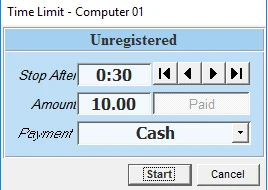
Timed sessions and billing
Time limit or open time, minimum charge, rounding and free start minutes you set. Add time without stopping the session.
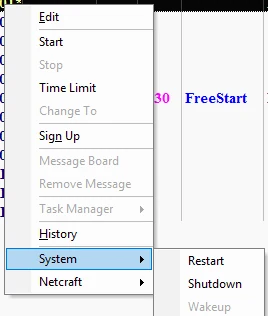
Every PC from the counter
Restart, shut down or wake PCs, open programs, and move a player to another PC without losing time.

Members and prepaid hours
Accounts with prepaid hours or balance. Unused hours stay on the account for next time.
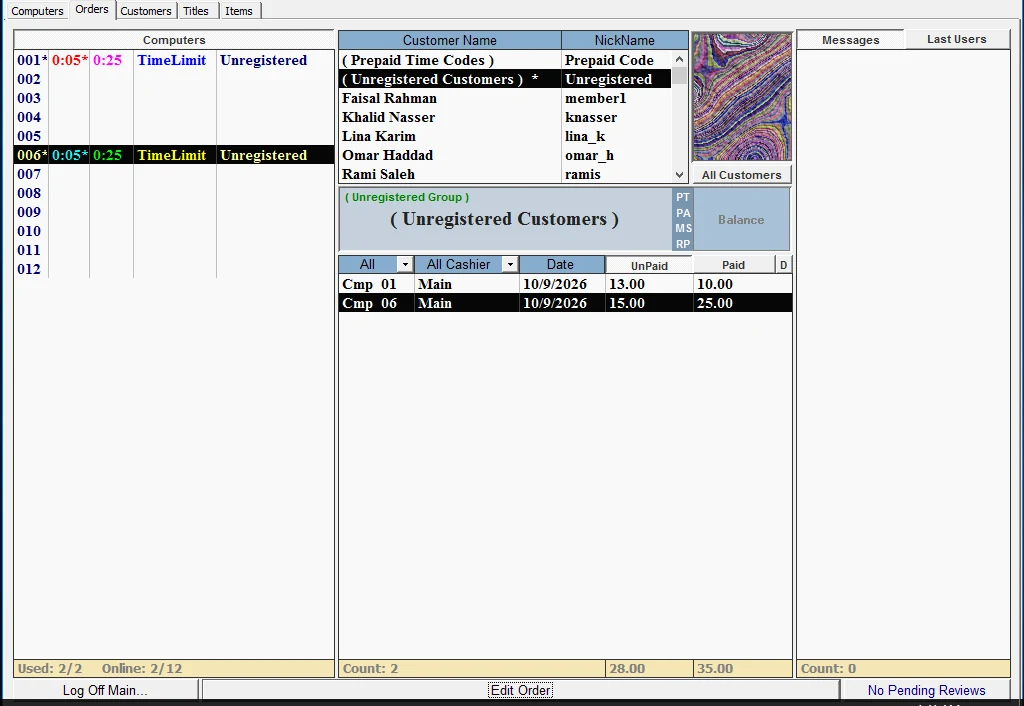
Prepaid codes and reward points
Print time codes to sell or give away, and give members points on prepaid purchases.
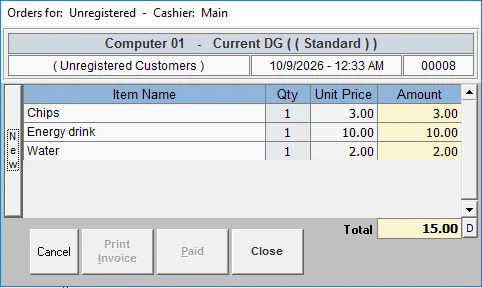
Café sales and stock
Your menu with prices and stock in the same program. Players can order from their PC.
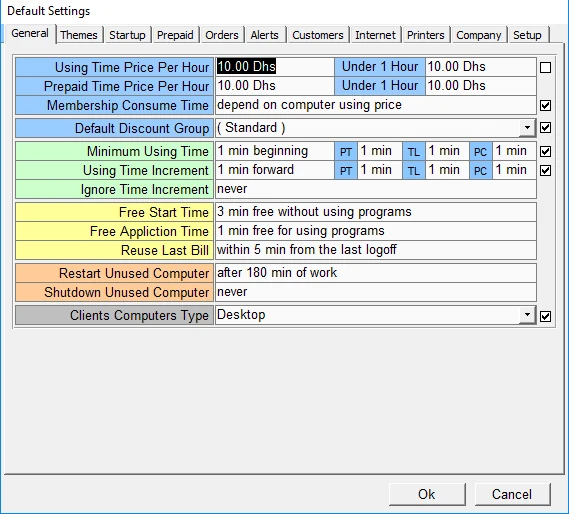
Staff logins and rights
Separate logins for owner, admin and cashiers, with rights you choose and a record of every login.
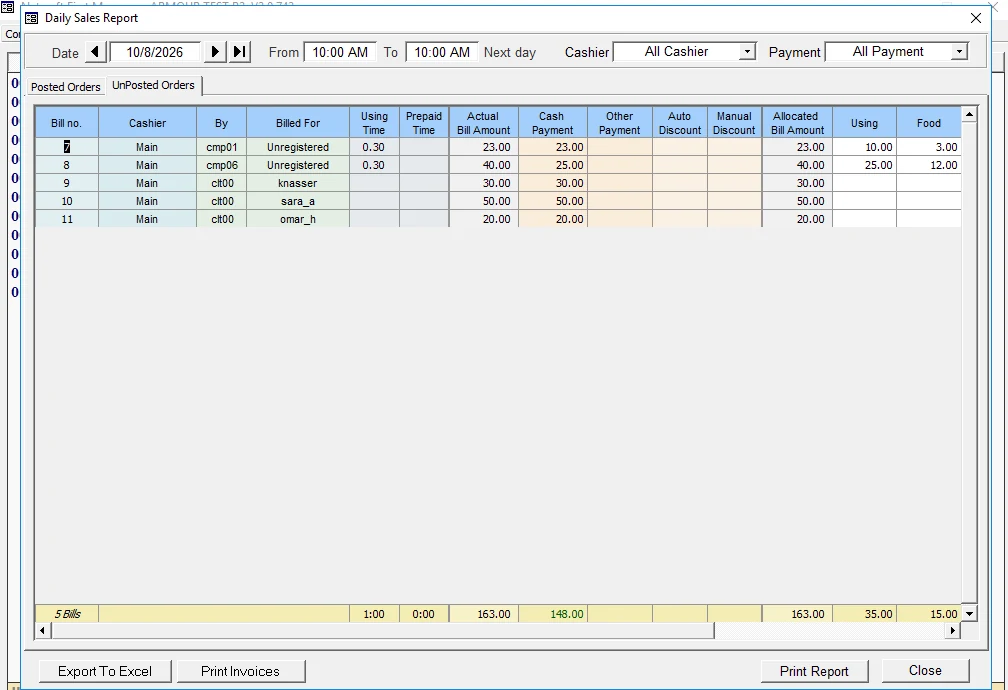
Daily sales reports
From your opening time to the next morning, by cashier or payment type. Print it or export to Excel.
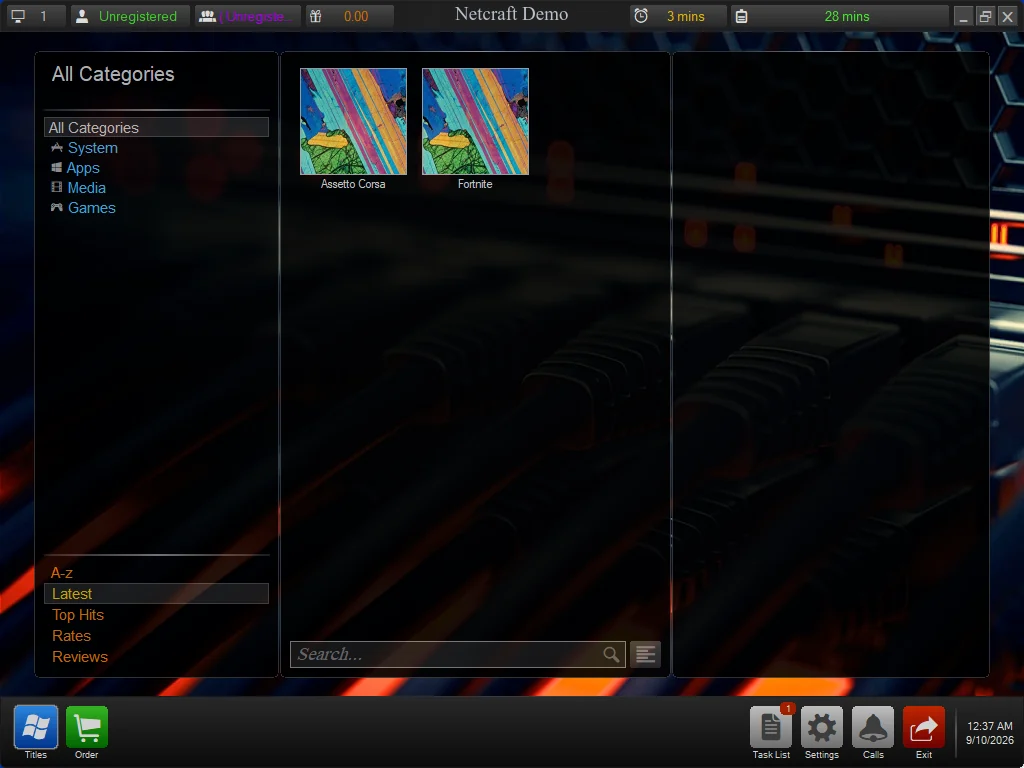
Locked-down PCs
Block USB drives, Task Manager, Control Panel and programs you don't allow.
Made for your kind of place
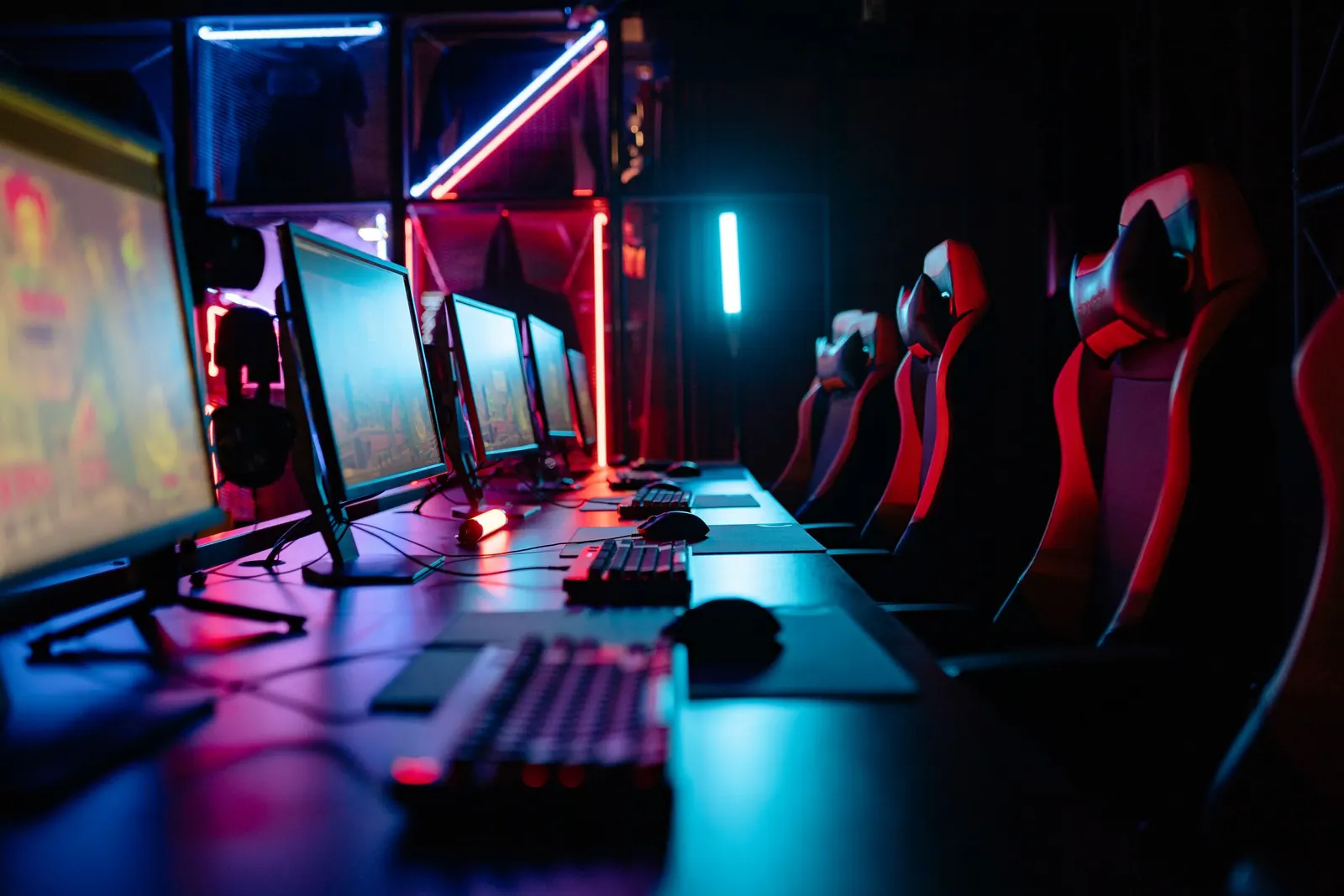
Gaming centres and internet cafés
PC groups with their own prices, members, prepaid codes, café sales, and consoles or tables timed at the counter.
Gaming centres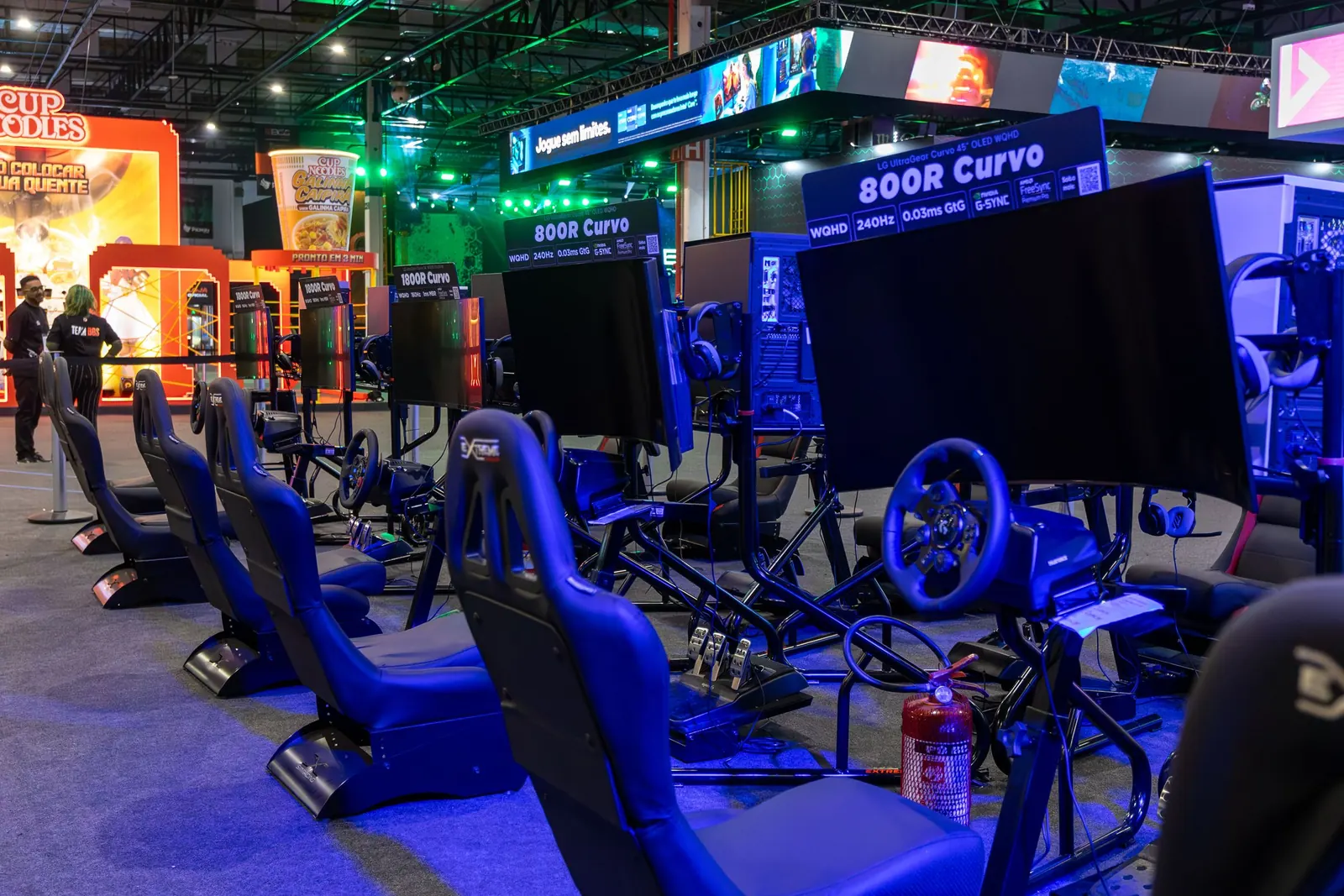
Sim-racing lounges
Every rig is a timed station. The racing game opens when the session starts and closes when the time is up.
Sim racing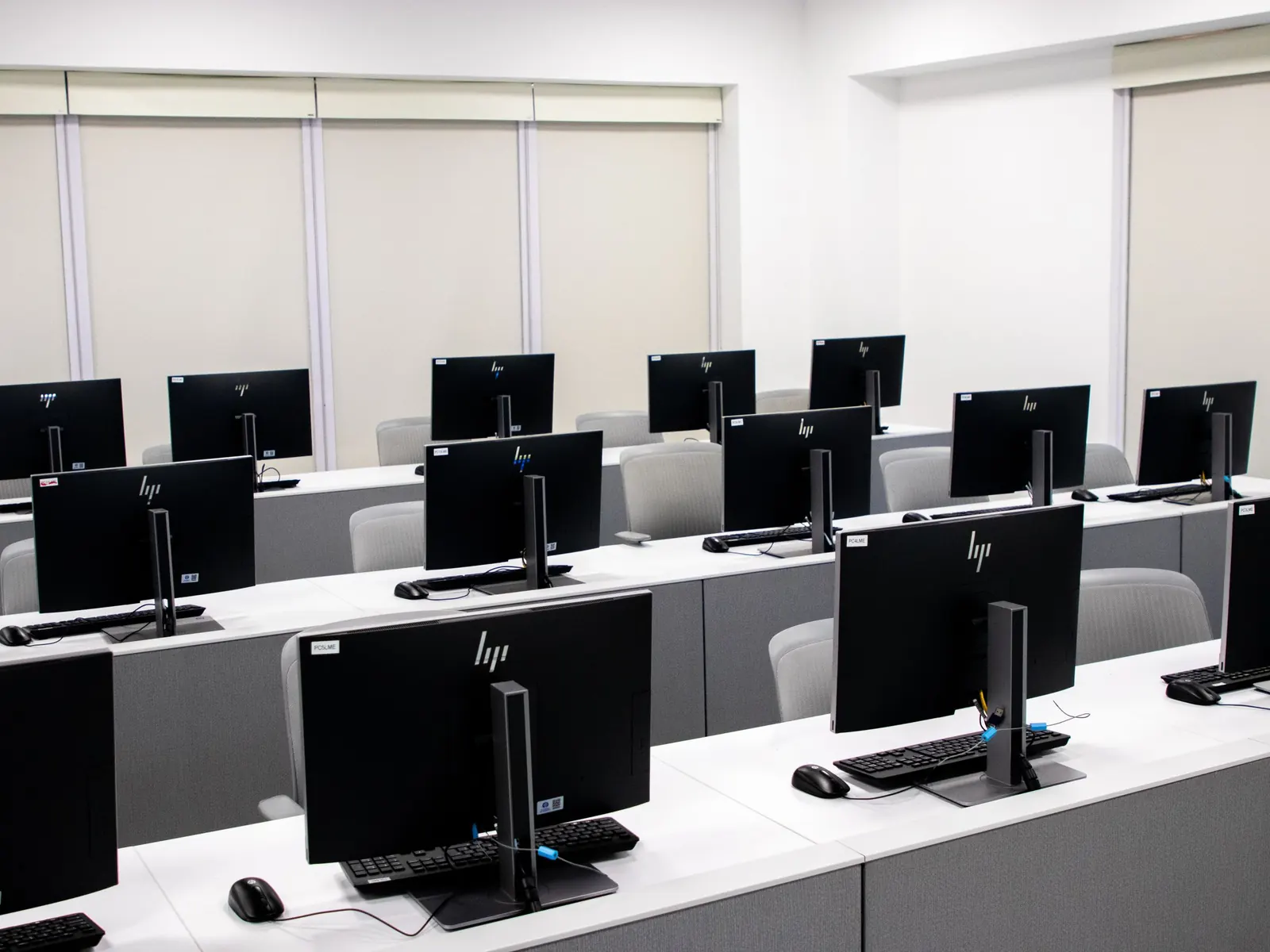
Computers in any business
Business centres, libraries, training rooms and offices: lock PCs, block USB drives and control what runs.
Business PCs
Why centres choose Netcraft
Netcraft Plus
- Internet goes downKeeps working on your local network
- LicenceOne-time licence, no monthly fee per PC
- InstallationInstalled remotely by us, with staff training
- SupportWhatsApp in English and Arabic, from the UAE
Typical cloud subscription
- Internet goes downDepends on an internet connection
- LicenceMonthly fee for every PC
- InstallationDownload it and set it up yourself
- SupportEmail or ticket, often in another time zone
Getting started
No technician has to visit. We connect to your server and set everything up with your staff.
Tell us about your place
How many PCs, sim rigs and consoles you have, and how you charge. We send you a quote.
Server first
We install Netcraft on your server and set your prices, opening hours, staff accounts and products.
Then every PC
Your staff run a short setup on each PC with us on the line.
Training and guides
We take your cashiers through a real shift and send short guides in English and Arabic.
Support on WhatsApp
Message us when something is wrong and we connect to your server to fix it. Updates are included.
What you need
Most centres already have everything. We check your setup with you before we install.
Required
A server PC at the counter
Any PC with Windows 10 or 11 Pro, or Windows Server. It runs Netcraft Manager and keeps your data. We install everything on it.
Your gaming PCs
Windows 10 or Windows 11. Netcraft goes on the PCs you already have.
A local network
The server and all PCs on the same wired network.
Internet during setup
Only while we connect to install and train your staff. Day to day, Netcraft works without internet.
Optional
Receipt printer
Print bills for customers at the counter.
Cash drawer
Opens by itself when a payment is taken.
Consoles, tables and sim rigs
Timed and billed from the same counter as your PCs.
Wake-on-LAN
Turn PCs on from the counter, on PCs that support it.
Questions owners ask
Do I need internet for Netcraft to work?
No. Netcraft runs on your own server and local network. Sessions, bills and reports keep working when the internet is down. We only need internet when we connect for installation and support.
Is the licence a monthly subscription?
No. You buy the licence once. There is no monthly fee per PC.
Are updates and support included?
Yes. Updates, support and training for your staff are included.
Which Windows versions does it need?
The server runs Windows 10 or 11 Pro, or Windows Server. The PCs run Windows 10 or Windows 11. We check your setup with you before we install.
Can you install it without visiting?
Yes. We connect to your server, install and set it up, then your staff run a short setup on each PC with us. That is how we install, in the UAE and abroad.
Can I keep my current PCs?
Yes. Netcraft goes on the Windows PCs you already have. The server can be any PC with Windows 10 or 11 Pro.
Do you support Arabic?
We talk to you in Arabic or English, on WhatsApp or by email, and our staff guides come in both languages. The program's own screens are in English.
What about consoles and tables?
Consoles, tables and other stations without a PC get timers and bills at the counter, next to your PCs.
Tell us about your place
We'll reply on WhatsApp with a quote for your centre. Your answers go into a message that you send yourself. This site doesn't keep them.
Or contact us directly