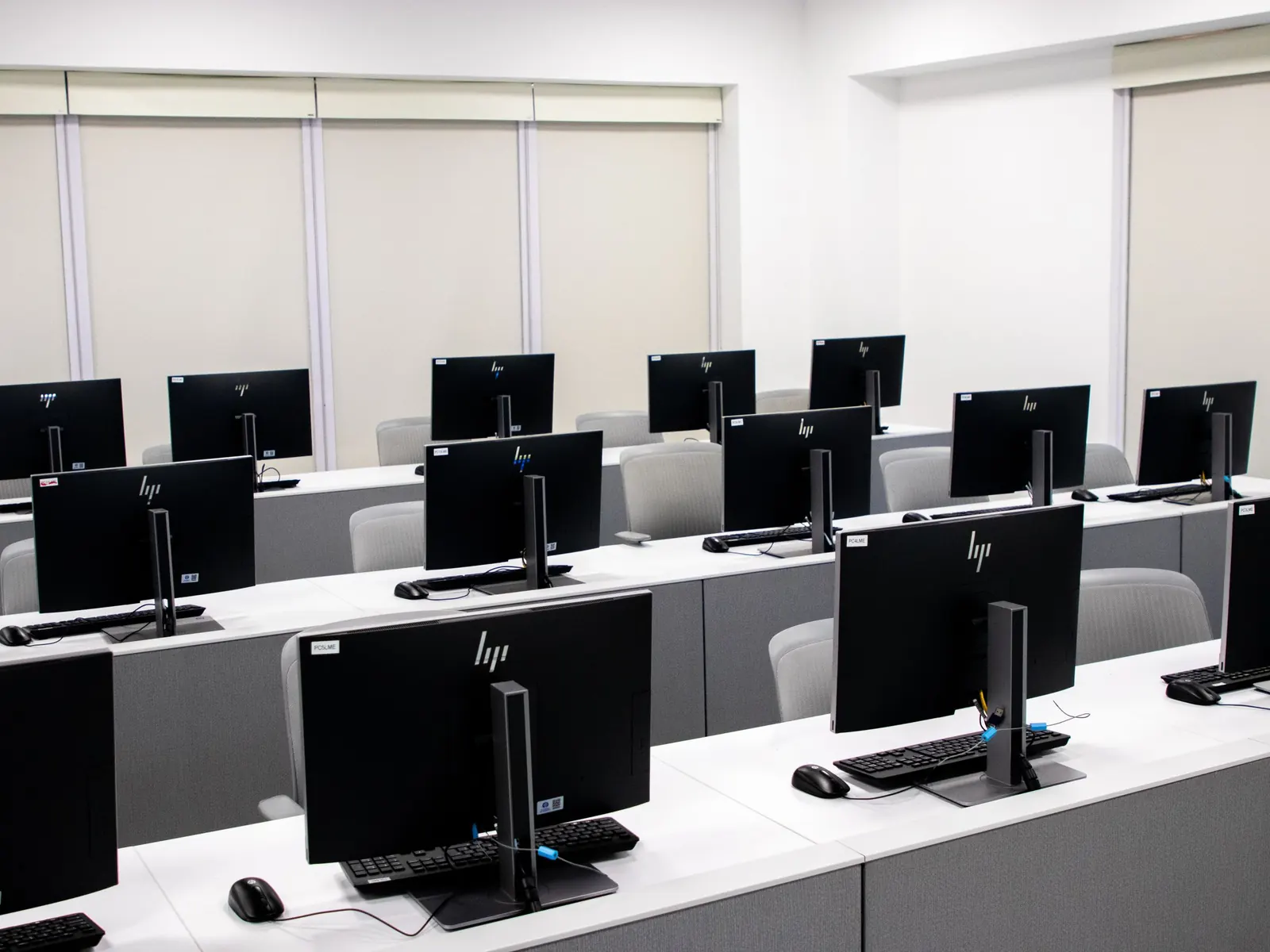
Control the computers in your business from one desk
Netcraft was built for gaming centres, where many different people use the same PCs every day. The same control works for business centres, libraries, training rooms, print shops and shared office PCs.
Where it fits
Any room where many people share the same Windows PCs.
Business centres
Time each customer's use and charge it, with printing on the same bill.
Libraries
Members log in with their own account, and the PC locks again when they log out.
Training rooms
Block USB drives and programs that students should not open, and restart every PC from the desk.
Print and typing shops
Time PC use and add printing and other items to one bill.
Shared office PCs
Keep PCs locked until someone logs in with their own account.
What you can lock and control
Set once on the server and sent to every PC, or to one group of PCs.
| Windows tools | USB storage, Control Panel, Task Manager, the Run box and the drives you choose |
|---|---|
| Programs | Programs and windows you don't allow are closed when they open |
| Power | Restart, shut down or wake PCs, and turn monitors off, from one desk |
| Schedule | Messages on the screens at a set time, and log off or shut down at closing |
| Use | Each person's time counted and charged, with other items on the same bill |
| Staff | Separate logins with the rights you choose, and a record of every login |
| Clean-up | Chosen files and folders cleared from the PCs on demand or automatically |
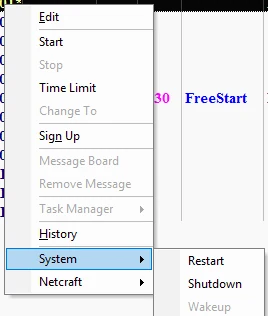
See every screen
The Features page shows the real program with demo data: the Computers page, bills and payments, members, settings, the daily report and the player's screen.
Questions from businesses
Is this only for gaming centres?
No. Gaming centres are where Netcraft started, but the locks, controls and timers work for any room of shared Windows PCs.
Do I need a server?
One PC runs the Netcraft Manager and keeps the data. It can be any PC with Windows 10 or 11 Pro on your network.
Can users get around the locks?
Leaving the Netcraft screen needs the admin password. Blocked programs are closed when they open.
Do I need internet?
No. Everything runs on your local network. We only need internet to connect for installation and support.
Tell us about your place
We'll reply on WhatsApp with a quote for your centre. Your answers go into a message that you send yourself. This site doesn't keep them.
Or contact us directly